What Is VideoBuddy and How Does It Work?
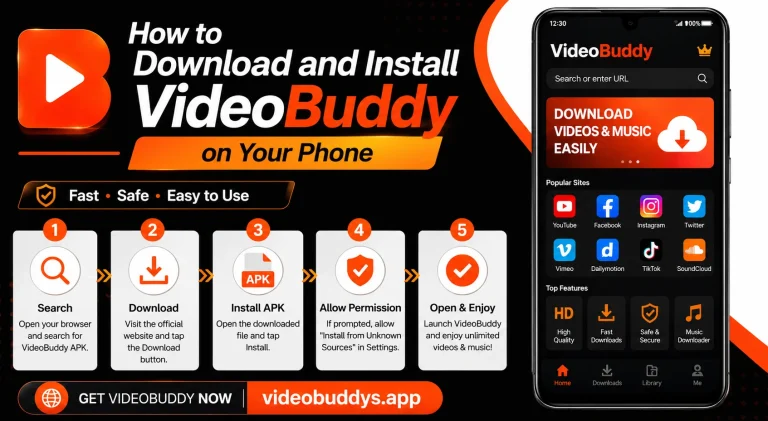
If you spend time online, you have probably wanted to save a video for later. Maybe it was a funny clip, a tutorial, or a song you liked. VideoBuddy is one of the most popular apps that lets people do exactly that, and in this article, we will explain what it is and how it actually works.
What Is VideoBuddy?
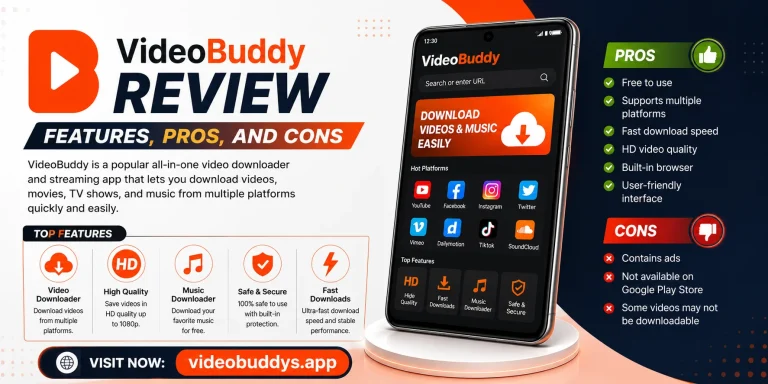
VideoBuddy is a video downloader app that allows users to save videos from platforms like YouTube, Instagram, Facebook, and TikTok directly to their device. It works on both Android phones and computers, so people can use it almost anywhere. The app became popular because it removes the need to use browser extensions or complicated software.
Unlike many other tools, VideoBuddy also comes with a built-in video player and a small browser feature. This means users can search for content, watch it, and download it, all within one single app. Many people prefer this because it saves time and keeps everything in one place.
Why Do People Use VideoBuddy?
There are many reasons people choose this app over other options. Some of the most common reasons include:
- Offline viewing – Users can watch videos later without needing an internet connection.
- Multiple platform support – It works with YouTube, Facebook, Instagram, TikTok, and more.
- Free to use – The basic version does not require any payment.
- Simple interface – Even beginners can understand how to use it quickly.
- Built-in browser – Users can search and download without switching apps.
These features make it a practical choice for students, content creators, and everyday users who just want an easy way to save online videos.
How Does VideoBuddy Work?
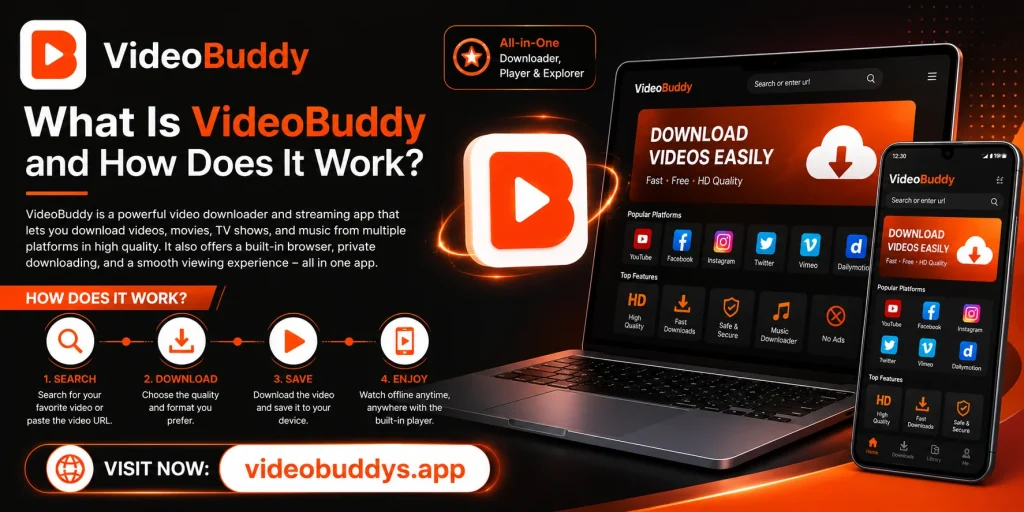
The working process behind VideoBuddy is actually quite simple, even though it feels advanced to new users. When someone opens a video link inside the app, VideoBuddy scans the page and detects the video file hosted on the server. It then gives the user an option to download that file directly to their device.
Once the download option appears, the user only needs to select the quality they want, such as SD or HD, and tap download. The app then saves the file to the phone’s storage or a chosen folder. From there, it can be watched anytime, even without an internet connection.
Step-by-Step Process
Here is a simple breakdown of how the process usually works:
| Step | Action | Result |
|---|---|---|
| 1 | Open a video link inside the app | The app detects the video source |
| 2 | Choose the video quality | Options like SD, HD, or Full HD appear |
| 3 | Tap the download button | Download begins in the background |
| 4 | Wait for the process to finish | Video is saved to local storage |
| 5 | Open the saved video anytime | Video plays without internet |
This table shows just how straightforward the entire process is for a regular user, with no technical knowledge required.
Is It Only for Downloading Videos?
No, this is one of the most misunderstood parts about the app. While downloading is the main feature, it also includes a media player, a file manager, and even a small games section in some versions. This makes it more like an all-in-one entertainment hub rather than just a single-purpose tool.
Some users also use it to browse trending content, since the app suggests popular videos based on what is being watched by others. This feature works similarly to a discovery page found on social media apps. It gives people something to explore even if they did not come with a specific video in mind.
Key Features at a Glance
To make things clearer, here are the core features in one simple list:
- Video downloading from multiple platforms
- Built-in video player for offline content
- In-app browser for searching content
- Trending and recommended video suggestions
- File manager to organize downloads
- Support for different video resolutions
Each of these features adds something different to the overall experience, which is why the app has such a wide user base across different countries.
Is VideoBuddy Safe to Use?
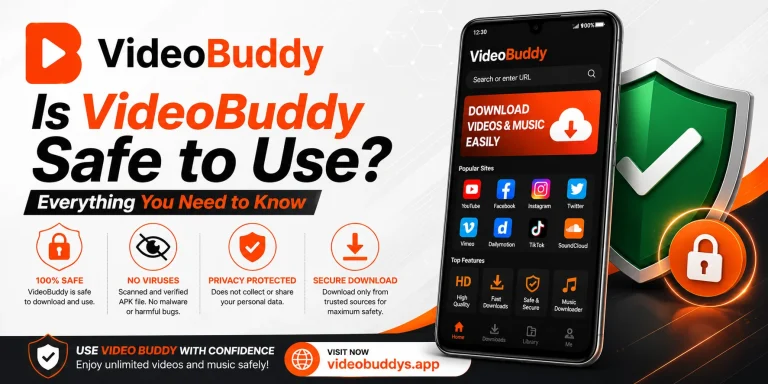
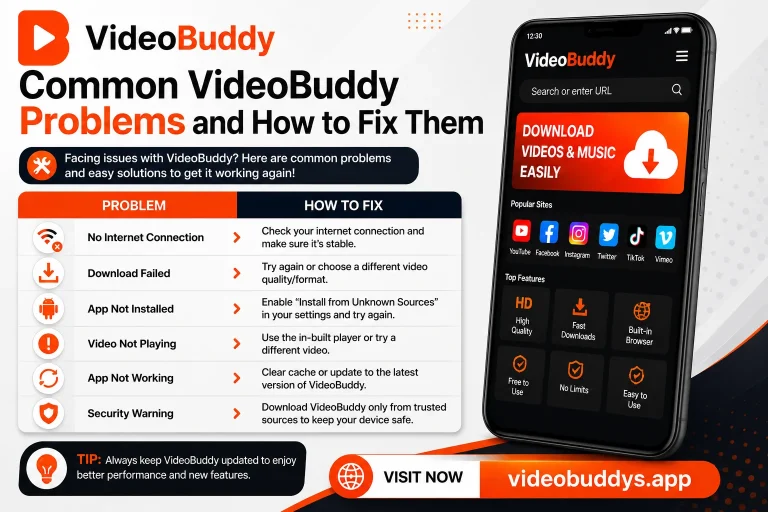
This is a common question, and it deserves an honest answer. Like any downloader app, users should always download it from a trusted source and avoid random links shared on unknown websites. Sticking to official app stores or verified platforms reduces the risk of installing a fake or harmful version.
It is also a good habit to check app permissions before installing anything on a phone. If an app asks for permissions that seem unrelated to its purpose, that is usually a warning sign. Being cautious with downloads, in general, is simply good digital practice.
VideoBuddy vs Manual Downloading
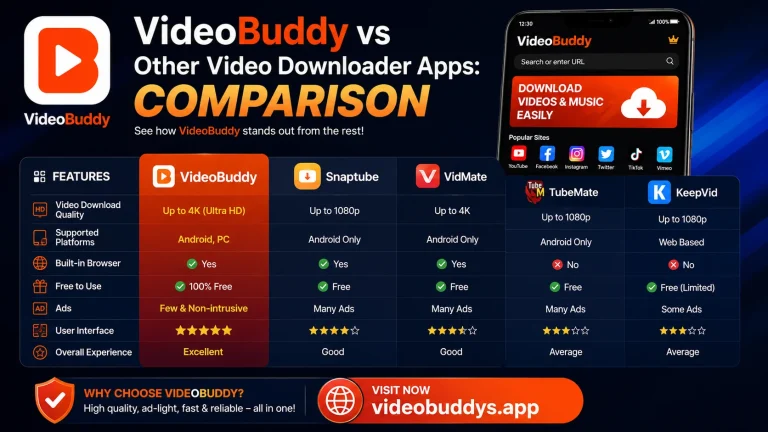
Many people still try to download videos manually using browser tricks or third-party websites. This method is often slower, less reliable, and sometimes filled with unwanted ads or pop-ups. Using a dedicated app removes most of these problems and creates a smoother experience overall.
The table below compares both methods to make the difference clearer:
| Feature | VideoBuddy App | Manual Browser Method |
|---|---|---|
| Speed | Fast and optimized | Often slow |
| Ease of use | Very simple | Requires technical steps |
| Ads and pop-ups | Minimal | Usually heavy |
| Multiple platforms | Yes | Limited |
| Offline access | Yes | Depends on method |
Looking at this comparison, it becomes clear why so many users prefer a dedicated app instead of manual tricks.
Who Should Use VideoBuddy?
This app is useful for a wide range of people, not just one type of user. Students use it to save educational content for revision. Content creators use it to keep inspiration videos for reference. Regular users simply enjoy having their favorite clips available without needing constant internet access.
If someone travels often or has limited data, having offline videos saved in advance can be extremely helpful. This is especially true during long trips, flights, or areas with weak network coverage. In such situations, having pre-downloaded content makes a real difference.
Where to Get More Information
For people who want a simple and reliable place to explore more about video downloading tools, VIDEOBUDDYS.APP is a good starting point. The website provides guides, comparisons, and updates related to different downloader apps and their features. It is designed to help users make informed decisions before installing anything on their device.
Anyone new to this topic can also use VIDEOBUDDYS.APP to understand safety tips and best practices. This is helpful for people who are cautious about installing new apps and want clear, simple explanations first.
Final Thoughts
VideoBuddy has become a popular choice for people who want an easy way to save and watch videos offline. Its combination of a downloader, media player, and browser makes it more versatile than many similar apps. As long as users download it safely and stay aware of app permissions, it remains a convenient tool for everyday use.
For more helpful guides like this one, VIDEOBUDDYS.APP continues to be a reliable resource for anyone interested in video downloading tools and how they work.